The useful part, up front
- A QR code is a link you cannot read. The FTC warned on September 3, 2026 that scammers are covering real codes, such as those on parking meters, with their own.
- Look at the web address your phone shows before you open it, and treat misspellings or a swapped letter as a reason to walk away.
- If you already scanned and typed in a password or card number, change the password, watch your statements, and report it. Speed helps more than embarrassment.
You are late, the meter is blinking, and there is a code
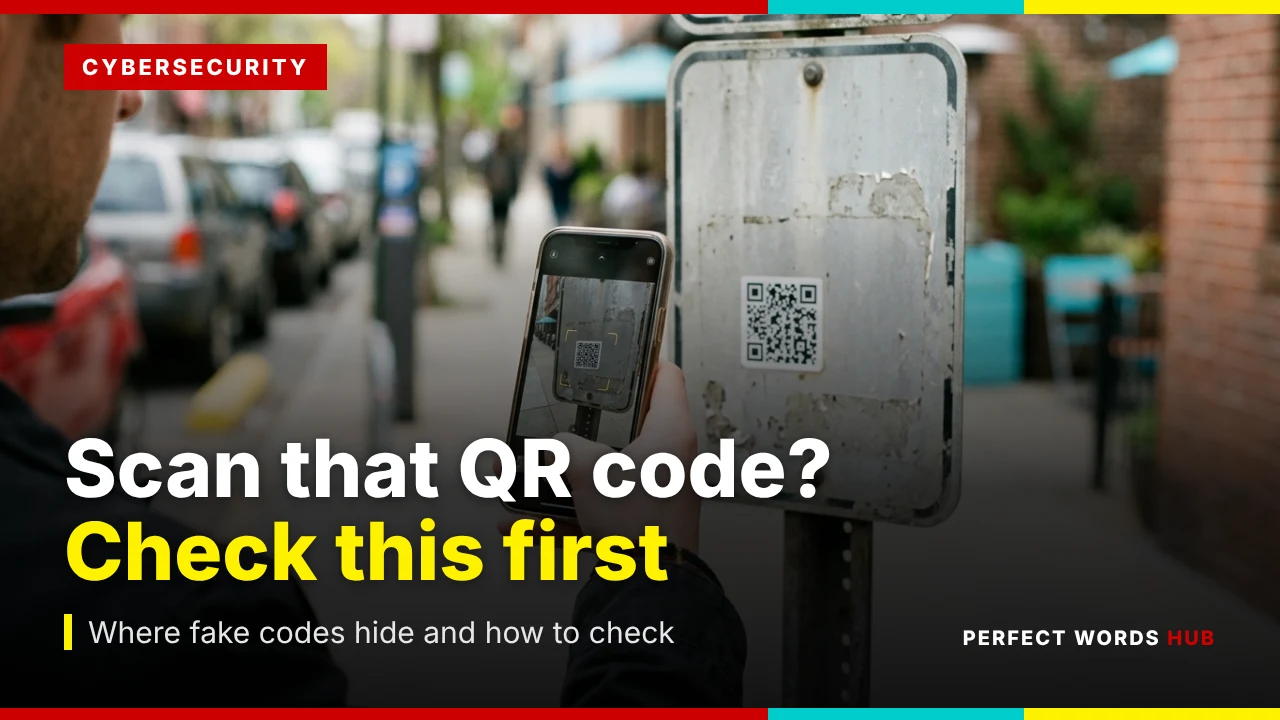
You pulled into a spot with four minutes to spare before a meeting. The meter wants payment, and a sticker with a square code promises you can pay from your phone. It is raining. You hold your camera up.
This everyday moment is exactly what the Federal Trade Commission (FTC) described in a consumer alert published September 3, 2026. Scammers, it says, put their own QR codes over the real ones on parking meters. Scan the fake one, and you may land on a fraudulent site designed to take your money, your personal information, or both.
Nothing about that situation feels risky, which is the problem. You are not clicking a strange email. You are trying to do something sensible. This guide covers where fake codes tend to show up, a ten-second check that works almost anywhere, and a clear plan if you scan one anyway. It leans on guidance from the FTC and the FBI’s Internet Crime Complaint Center (IC3).
Why a square is easy to abuse
A QR code is a scannable image that connects your phone to a website. The IC3 uses almost exactly that description. The code itself holds the address, but a person cannot read it. Two codes that look nearly identical can point to completely different places.
That gives a scammer two advantages. First, a printed sticker is cheap to make and easy to place on top of a real code. Second, you have to act, by scanning, before you can see where it goes. A suspicious link in a text message at least sits there in plain letters, where you can squint at it. A QR code asks you to trust it first.
The good news is that your phone usually shows you the address before it opens anything. Learning to read that preview is the central skill in this guide.
Three places fake codes turn up
The FTC and the FBI have described three different settings. They share a pattern, so if you recognize the pattern you can handle new variations.
1. Stuck over a real code in public. Parking meters are the FTC’s current example, because a driver who is in a hurry expects to pay by phone. The same idea could apply anywhere a code is posted for paying, signing up, or getting information.
2. Inside an unexpected package. The FBI warned in July 2025 about packages arriving at people’s homes that they never ordered, often with no sender information, containing a QR code. Scanning can lead to requests for personal and financial information or download malicious software that steals data from the phone. The FBI described this as a variation on a “brushing scam,” in which sellers ship unordered goods and then post fake reviews using the recipient’s details, and it said the QR version is not as widespread as other fraud schemes. The FTC wrote about the same thing in January 2025: a gift with no named sender and a note telling you to scan to find out who sent it.
3. In a text or email with a made-up reason. The FTC says scammers send codes by text or email with an excuse such as a failed delivery, an account problem, or suspicious activity that needs a password change, and that the message pushes you to act fast. In April 2026 the FTC described a version posing as a traffic court. The text tells you to scan a code to pay a traffic violation and avoid court, may carry a state seal and fake case number, and lists a hearing date plus threats of fines and enforcement. The FTC said it had seen a spike in reports over the previous month.
What do these three have in common? Someone else chose when you would scan, and the code is carrying a story with urgency in it.
The ten-second check
Do these in order. None of them need special software.
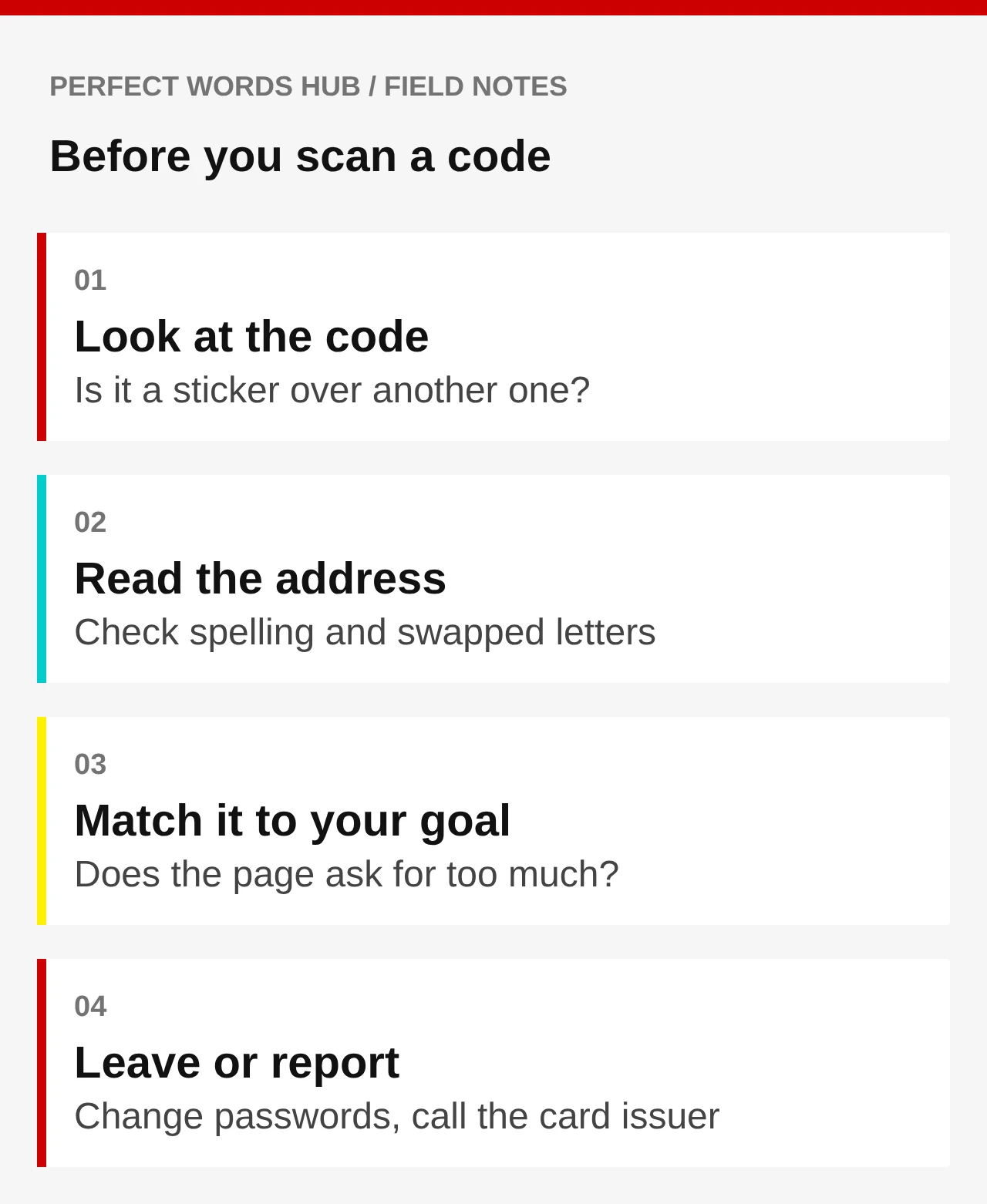
- Look at the physical code, if there is one. Is it a sticker on top of another surface? Does it look slightly raised, crooked, or newer than the sign around it? This is common-sense advice rather than an official test, and a clean-looking sticker can still be fake, but a code stuck over another one is a clear stop sign.
- Scan, but do not tap the result yet. The FTC notes that many QR readers show the web address first. Read it slowly.
- Check the spelling. The FTC tells you to look for misspellings or switched letters in the address. A payment page for your city should look like it belongs to your city or to a payment company you recognize, not a string of unrelated words.
- Ask what you expected. If you wanted to pay for parking and the page asks for your Social Security number, your online banking password, or a download, that mismatch is your answer. A parking page needs a plate number, a space or zone, and a payment, not your life story.
- Back out if anything is off. Close the page. You have lost ten seconds, not money.
The point is not to catch every trick. It is to build a habit so that the first look at the address happens before you enter anything.
Better than scanning: arrive on your own
Even a correct-looking address cannot tell you whether you are on the right site if you are not sure what the right site is. A more dependable path is to start from something you already trust.
For parking, that might be your city’s or parking operator’s official app, or a website you reach by typing the address printed on the meter’s own face or on signage that you can tell is part of the equipment. If the meter also accepts coins or a card at the machine, that is the least complicated way to avoid the issue altogether.
For anything arriving by text or email, the FTC’s advice is simple: if the message might be real, contact the company using a phone number or website you know is genuine, not the one in the message. That applies to deliveries, accounts, and bills alike. For a traffic or court notice, the FTC says to check the court’s website or call the court with contact details you already know, rather than the ones in the text.
If you are reading about a holiday-season version of this, our guide on checking delivery texts uses the same principle with different bait.
What to do with a package you did not order
A box you did not order is unsettling, but you have more control than it feels like. The FTC says federal law lets you keep unordered merchandise that is sent to you, so you do not owe anyone payment for it, and a genuine gift can simply be enjoyed.
Whatever is inside, you do not need to scan the code. The IC3’s guidance is to be wary of unsolicited packages, wary of packages that arrive without sender information, and not to scan QR codes from unknown sources. If you ordered nothing and did not expect a gift, the FBI suggests that you may be the target of a brushing scam and should consider securing your accounts and checking a free credit report from Equifax, Experian, or TransUnion for signs of fraud.
It is also reasonable to ask why someone had your address in the first place. You cannot always answer that, but a brushing scam is a hint that your name and address have circulated somewhere. That is a reason to look at your accounts, not a reason to panic.
If you already scanned it
First, breathe. Scanning is not the same as being robbed. The harm depends on what happened after the scan. Match your response to the situation, using the FTC’s guidance.
- You opened the page and left. Close it. Do not contact the site or anyone listed on it, because the FTC warns that scammers may try to get money or sensitive information from you. Keep your phone’s operating system and apps updated.
- You typed a username and password. Change that password at once, and change it on any other account where you use the same one. Turn on multi-factor authentication. If you get locked out, a backup route into your accounts will save time.
- You typed a card number or bank details. Contact your card issuer or bank, using the number on the back of the card or on the statement, and say what happened. Review your statements for charges you do not recognize. For credit cards, the FTC notes that federal law limits your losses from unauthorized use.
- You typed a Social Security number, or you are not sure what you gave. Go to IdentityTheft.gov for a personalized recovery plan. The FTC also lists a credit freeze or fraud alert as protective steps, and a free credit report from AnnualCreditReport.com lets you check for accounts you do not recognize.
- The page asked you to install something or grant permissions. The IC3 asks victims to record any apps they downloaded or permissions they granted on the device. If you installed something, update your security software and scan, and consider getting help from the device maker or someone you trust.
A short example of why speed matters: suppose a fake parking page captures a card number at 9:05 a.m. and you notice at noon. Three hours is not a lot of time, but it is more than enough for a stolen number to be tried. Calling the issuer as soon as you notice gives the bank the earliest chance to block the card and flag suspicious charges.
Make the phone itself harder to trick
The FTC’s September alert gives three habits worth keeping: check the link before opening it, keep your phone updated, and protect accounts with strong passwords and multi-factor authentication. They sound basic. They matter because they limit what a single bad scan can do.
Updates close known security holes. Multi-factor authentication means a stolen password alone is not enough to get into an account. Where an account offers it, a passkey goes a step further by removing the typed password from the picture, which we explain in what changes when you sign in with a passkey.
One more habit: pay attention to permission prompts that follow a scan. If a page asks to access your contacts, photos, or notifications, or to install a profile or app, and you only wanted to pay for parking, say no. The FBI’s package announcement tells people to think carefully before granting phone permissions or access to websites and apps.
Where to report it, and why bother
Report even if you lost nothing. The FTC takes reports of scams at ReportFraud.ftc.gov. The FBI’s IC3 takes complaints at ic3.gov, and it asks you to include the name of the person or company that contacted you, the communication methods used (websites, emails, phone numbers), and any apps you downloaded or permissions you granted. If you are 60 or older and want help filing with IC3, the FBI lists the Department of Justice Elder Justice Hotline at 1-833-FRAUD-11 (833-372-8311).
For a scam text, the FTC’s phishing guidance says you can forward it to 7726 (SPAM). If the code was on a physical object such as a meter, tell the owner of that object, for example the city or parking operator. They can remove the fake sticker before the next driver arrives.
Reports rarely fix your own situation by themselves. Your bank, card issuer, or IdentityTheft.gov does more for you directly. But reports are how patterns become visible to the agencies, and a sticker removed from a meter protects every person who parks there after you.
Keep this one idea from the whole guide: a code is only an envelope. You are allowed to read the address on it before you open the letter.
Sources & further reading
- FTC: See a QR code parked somewhere? Don’t scan it…yet! (Sept. 3, 2026)
- FTC: Scammers hide harmful links in QR codes to steal your information
- FTC: Scam alert: QR code on an unexpected package
- FTC: That text about a traffic violation is probably a scam
- FBI IC3: QR codes in unsolicited packages (PSA, July 31, 2025)
- FTC: How To Recognize and Avoid Phishing Scams
Source links checked October 17, 2026. Rules, rates and product terms can change.
General online safety education. Check official sources and your own institutions for current guidance.