The useful part, up front
- Passkeys use cryptographic credentials tied to a service.
- Sync and recovery behavior depend on the provider.
- Protect the device and account that hold your credentials.
Separate unlocking the device from signing in
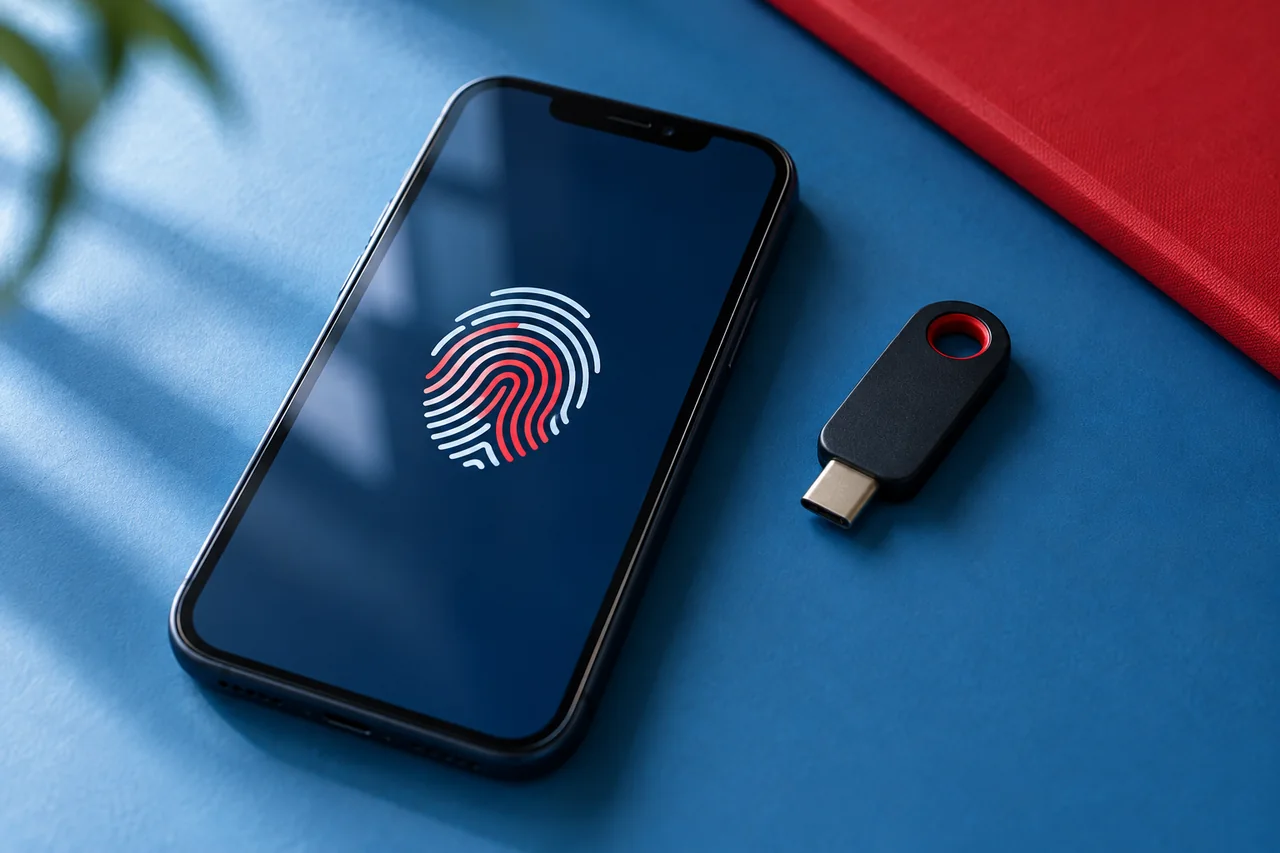
A passkey uses a cryptographic key pair rather than a reusable password you type into the website. Your device or credential manager handles the private credential, and the service uses the corresponding public information to verify a sign-in.
A fingerprint, face check, PIN, or other device-unlock method may authorize use of the passkey. That does not mean the website receives your fingerprint. The visible unlock step and the service’s authentication process are different parts of the interaction.
Understand the phishing advantage
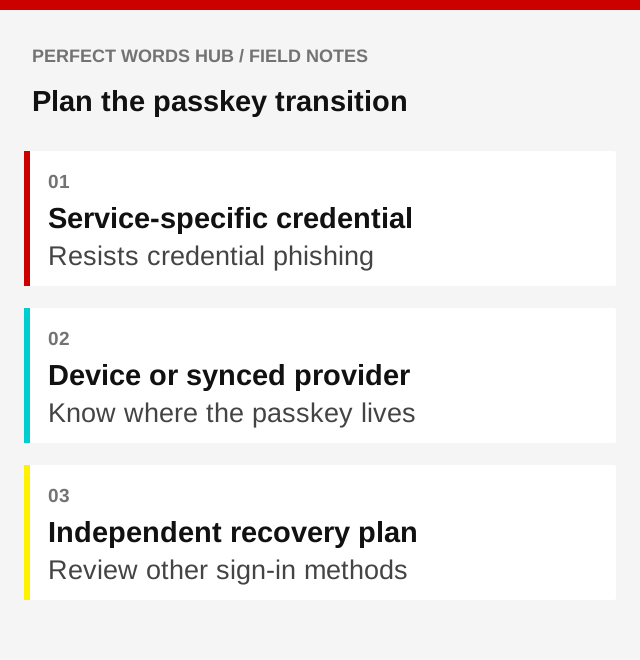
Passkeys are associated with the legitimate service. A lookalike domain cannot simply ask you to type the same secret, as a password-stealing page can. This gives passkeys resistance to common credential-phishing attacks.
That protection does not make every message or transaction trustworthy. Someone can still try to persuade you to send money, install software, or reveal recovery information. Continue using an independent route when an unexpected message asks for a sensitive action.
Check where the credential lives
Some passkeys can sync through a credential provider; others are tied to a particular device or security key. Availability and behavior vary across services and providers. Before relying on one, read the supported-device and recovery guidance for the arrangement you actually use.
Ask what happens when you replace a phone, lose a laptop, or cannot access the syncing account. A sign-in method that works today still needs a realistic path for tomorrow. Do not assume the word passkey describes one universal backup system.
Review the remaining routes into the account
Adding a passkey may leave a password or other recovery method available. Review the service’s security settings and identify every route that can still grant access. Protect recovery email and remove obsolete devices or methods through the official process when appropriate.
Avoid deleting your only usable sign-in route before confirming an alternative. Keep recovery information in a protected place that remains accessible independently. The account-recovery guide helps map those dependencies.
Try a controlled sign-in check
After setup, confirm you can sign in through the expected official website or app and understand the credential prompt. Record the provider and recovery approach without writing private keys or sensitive codes in an unsecured note.
If a prompt appears when you did not initiate a sign-in, pause and investigate through the account’s known security route. Passkeys can strengthen authentication, but device security, updates, and thoughtful handling of recovery requests remain part of protecting an account.
Questions worth checking
Does the website receive my device PIN?
In the normal passkey flow, the PIN or biometric check authorizes use of a credential locally; it is not the reusable secret sent to the website. Be suspicious of a webpage asking you to type a device-unlock secret into an ordinary text field.
Can I delete every other sign-in method immediately?
First understand the service’s supported recovery process and confirm that you have a working alternative if the device or credential account is unavailable. Review official guidance before removing methods. Better authentication should not accidentally leave you without a usable recovery path.
Sources & further reading
- NCSC: Passkey concepts and recovery considerations (opens in a new tab)
- Google: How passkeys work (opens in a new tab)
- FTC: Protecting personal information (opens in a new tab)
Source links checked September 30, 2026. Requirements and guidance may change.
For general education in a U.S. context. This is not financial, insurance, legal, tax, or medical advice. Examples are illustrative. Check current rules and relevant policy documents, and seek qualified help for your circumstances.
Would you pause before the click?
Put the ideas into practice with 12 questions and explanations.
Take the quiz