
The useful part, up front
- Use unique credentials and enable stronger sign-in options where available.
- Keep recovery details current and recovery codes protected.
- Avoid making one lost device the only route into every important account.
Start with the accounts that unlock other accounts
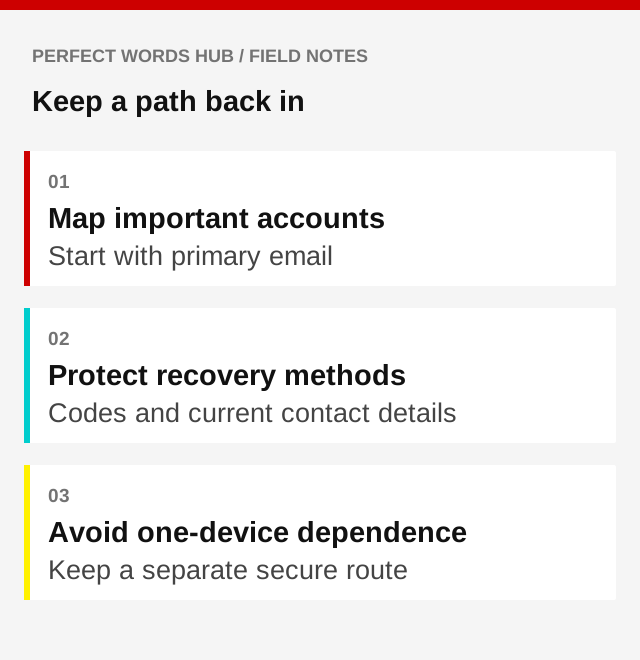
Your primary email often receives password-reset messages for other services. That makes it part of your recovery system as well as an inbox. Review its password, sign-in protection, recovery contact details, and active sessions before working through less critical accounts.
Make a list of important services without writing passwords into an ordinary document. Note where each account’s recovery instructions are found and what method it expects you to use if your usual device is gone.
Give each account its own secret
Reusing one password allows a breach at one service to threaten another. Use strong, unique passwords, and consider a reputable password manager to create and store them. Protect the manager itself carefully and understand its recovery process.
Do not confuse complexity you can see with uniqueness you cannot. A complicated password reused everywhere still creates a shared point of failure. Choose supported protection methods based on the provider’s instructions, including passkeys where appropriate.
Add another factor, then plan for losing it
Multifactor authentication adds a sign-in requirement beyond a password. Available options differ and may include authenticator apps, security keys, or codes delivered to a device. Methods offer different levels of protection, and none should be treated as permission to approve an unexpected prompt.
After enabling a method, ask what happens if the device breaks or is replaced. If the service supplies recovery codes, store them securely through a route that does not depend solely on the device they are meant to replace. Treat those codes like keys, not ordinary notes.
Look for circular recovery paths
Imagine that your email can be recovered only through your phone, while the phone account can be accessed only through that email. If both become unavailable, a seemingly thorough setup can turn into a loop.
Review the supported alternatives. Remove outdated phone numbers and addresses, and keep any approved backup method current. Do not add another person’s contact details casually: recovery settings can give access to sensitive accounts.
Practice the boring parts
Check the provider’s recovery documentation before a crisis. Confirm that protected backups open and that you know where necessary codes are kept. You do not need to disable working security settings or deliberately lock yourself out to do this review.
If an account is compromised, follow the provider’s official recovery steps, inspect active sessions and relevant settings, and secure linked accounts. For email, unexpected forwarding rules can matter even after a password is changed.
A good recovery plan balances access and protection. The objective is a supported, secure alternative when needed, not an easy bypass that anyone can use.
Sources & further reading
- FTC: Strong passwords and account protection (opens in a new tab)
- FTC: Two-factor authentication (opens in a new tab)
- FTC: Recovering a compromised account (opens in a new tab)
Source links checked September 30, 2026. Requirements and guidance may change.
For general education in a U.S. context. This is not financial, insurance, legal, tax, or medical advice. Examples are illustrative. Check current rules and relevant policy documents, and seek qualified help for your circumstances.
Would you pause before the click?
Put the ideas into practice with 12 questions and explanations.
Take the quiz